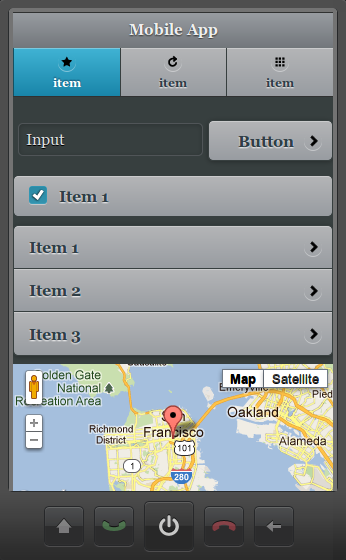
Extending the Google Map Component with Custom JavaScript

Building a Mobile App With AT&T SMS API [New Tutorial]

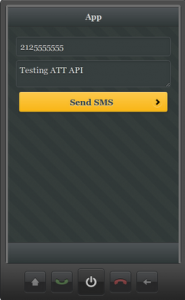
We just published a new tutorial that shows how to build a mobile app with AT&T SMS API. The app allows you to send an SMS message and look like this:

Try this new tutorial or any other tutorial form our docs.

April Roadmap: New Components, iOS Build, jQuery Mobile and PhoneGap Upgrades

We got some cool stuff planned in our April release. Check it out:

  • New components
    • Date picker
    • Carousel
  • iOS binary build
  • Ability to add any property to a UI element (without JavaScript)
  • Data mapping improvements. We are working on adding mapping support for all jQuery Mobile components
  • PhoneGap, jQuery Mobile updates to latest (stable) versions

You can always check the roadmap here: http://docs.appery.io/roadmap

In case you missed it, here is what we released in March.

Creating HTML5 Mobile App Connected to OpenShift REST API [New tutorial]

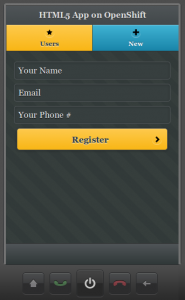
We just published a new tutorial that shows you how to build an HTML5 mobile app connected to OpenShift REST API. It’s based on this example.

The app has two pages, and two services. One service gets the current list of users. The second services creates a new user. Give it a try and let us know if you have any questions!

Manipulating Appery.io Components with jQuery Mobile

Do you know how to take advantage of custom JavaScript when working with Appery.io visual components? You can easily access any Appery.io component in JavaScript via the Appery.io JavaScript API and manipulate it with the jQuery Mobile API. Here is an example of how to dynamically add items to a list using JavaScript. Read the rest of this entry »

Appery.io Mobile App Builder at ATT Mobile Hackathon in San Diego

March Release: New jQuery Mobile Themes, Custom Code Component, Custom CSS, Plugins, And Visual Service Mapper Updates

Last week we had our March release. Here is what’s new and cool.

Really Awesome jQuery Mobile Themes

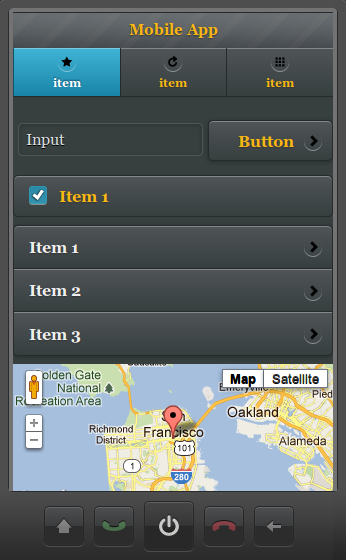
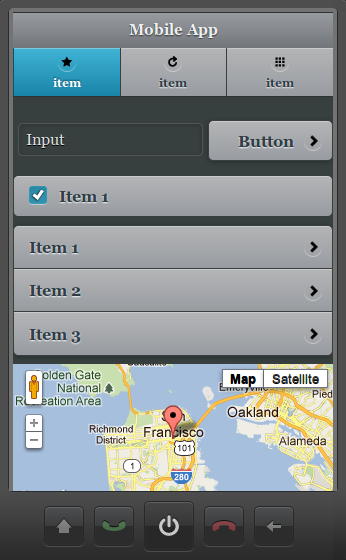
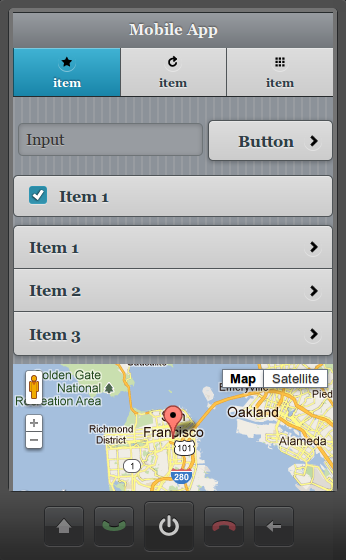
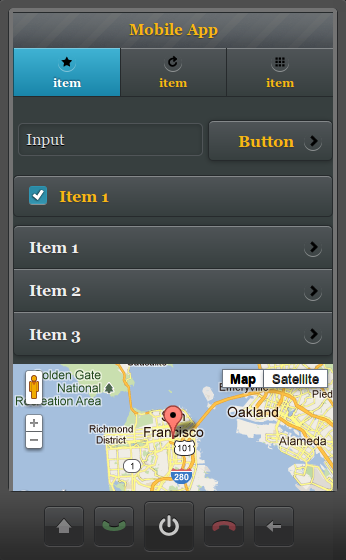
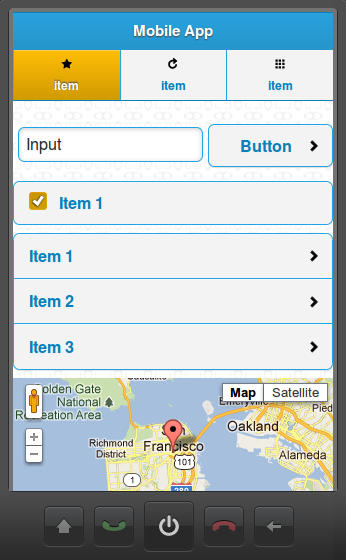
We just added a bunch of new and awesome jQuery Mobile themes and swatches. Here is how the new Appery.io dark-gray theme looks:

Check out the rest here

Plugins

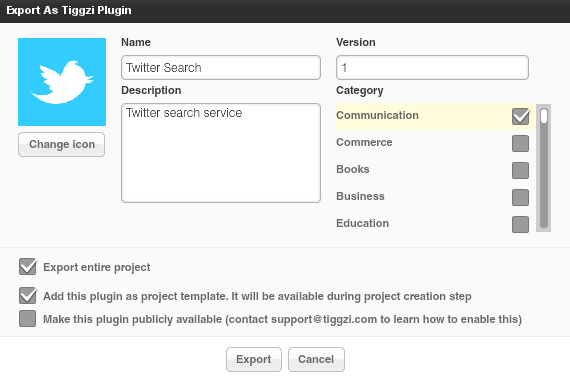
Plugins make it possible to package services, screens, images as a “plugin” and then add the plugin to any other project. You can even create custom project templates from plugins. A plugin is created by selecting Export > Appery plugin:

To learn more, read plugins documentation.

Panel – add any custom HTML code

The Appery.io visual editor is pretty cool but we know very well that being able to insert any custom code is a must have feature. In this release we added a new Panel component which can be.

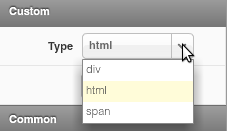
  • div
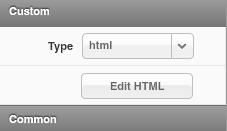
  • html (any custom HTML code)
  • span

Create Custom CSS

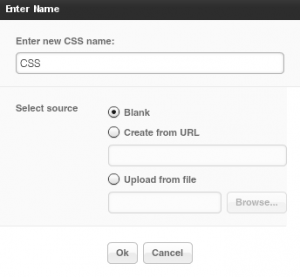
Staying on the topic of customazing your app, in addition to being able to add any JavaScript you can now also create a custom CSS file:

Visual jQuery Mobile-JSON mapper improvements

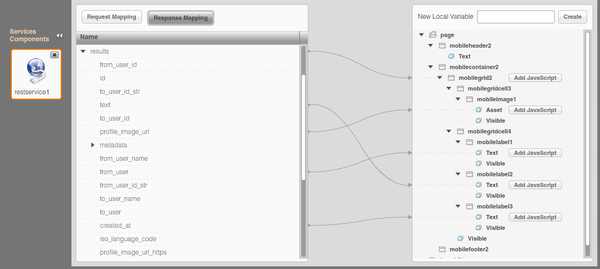
A number of improvements were were do the visual data mapper. Once a connection is mapped, a grey dotted line appears to indicate to which variable the connection is made.

Documentation updated

We spent the last couple of days updating Appery.io documentation with all the new features. We’d love to hear your feedback. One thing we are definitely going to add is more tutorials!

Awesome New jQuery Mobile Themes

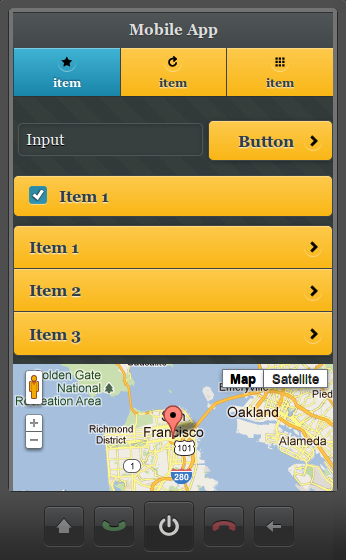
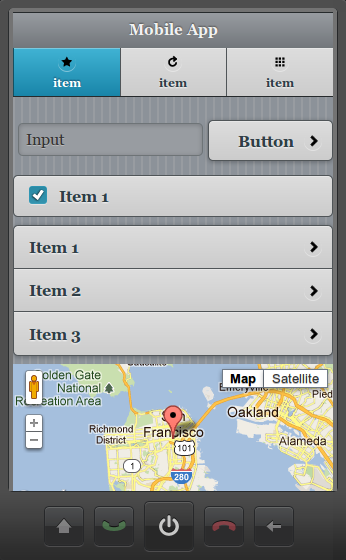
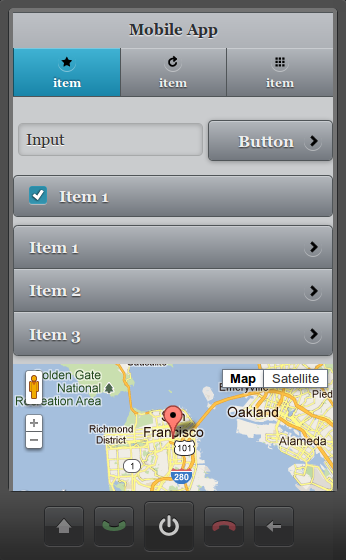
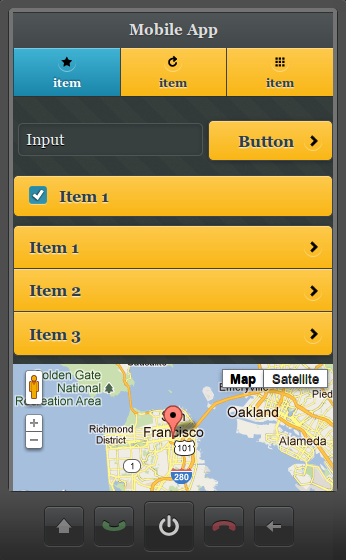
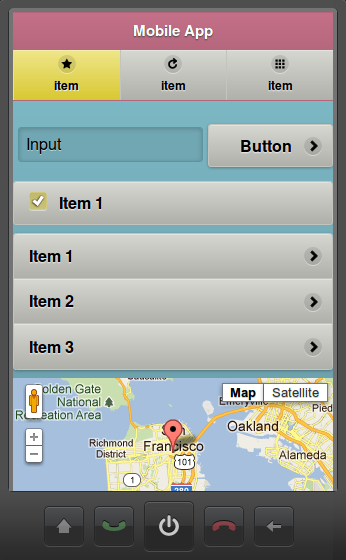
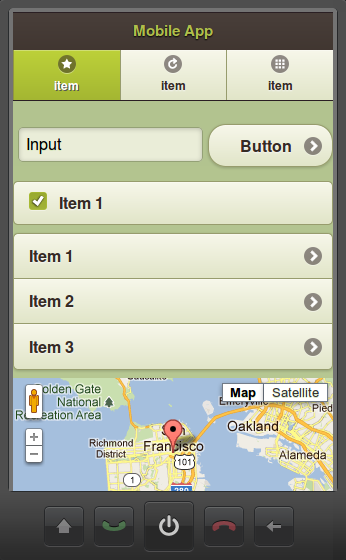
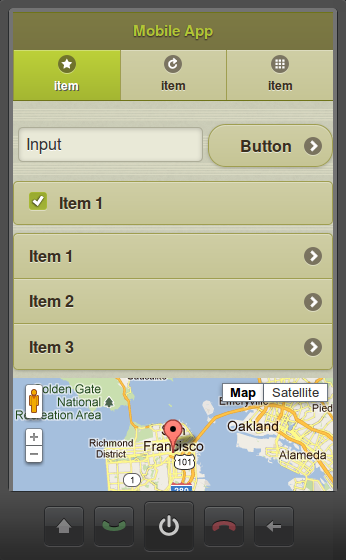
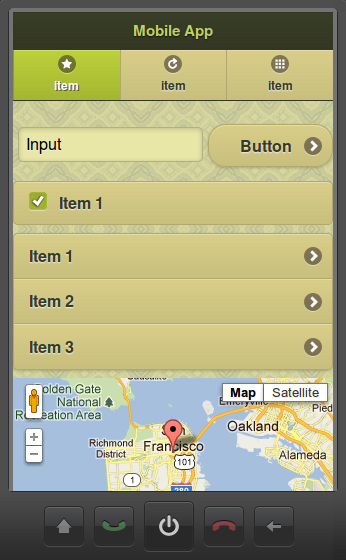
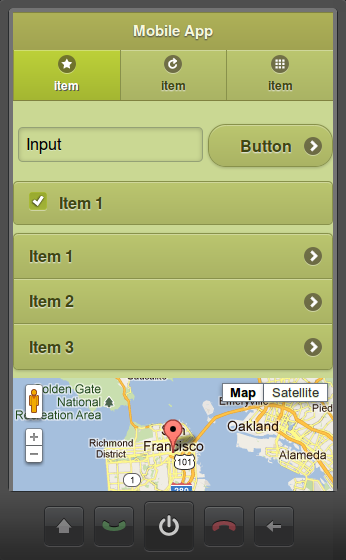
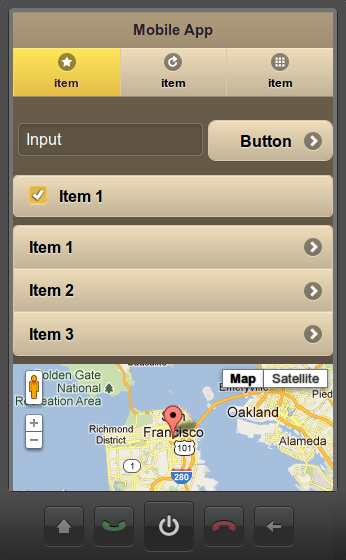
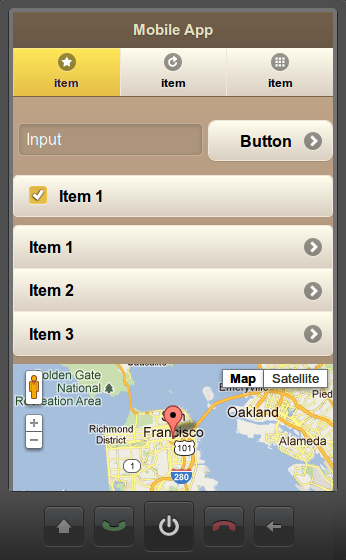
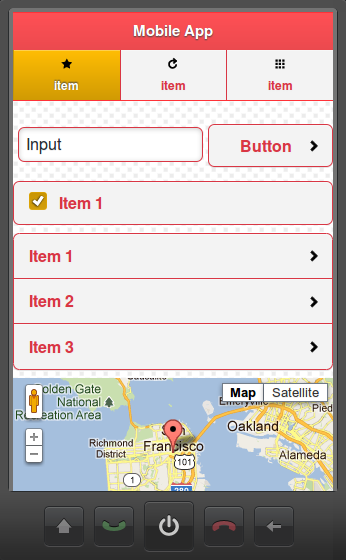
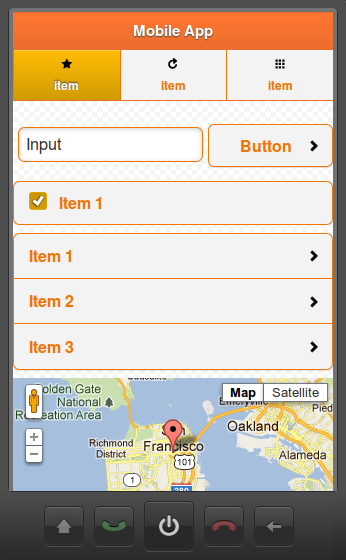
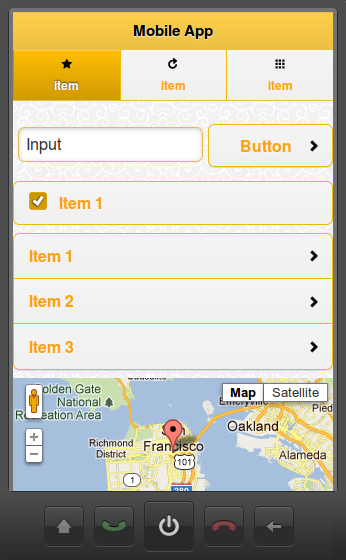
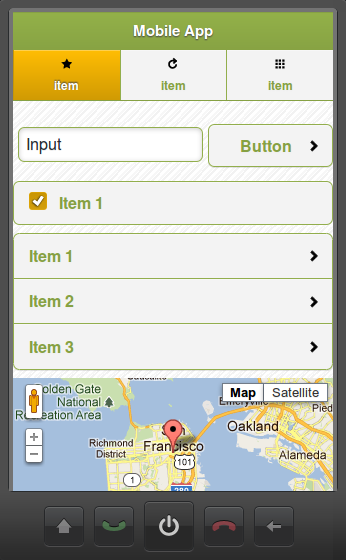
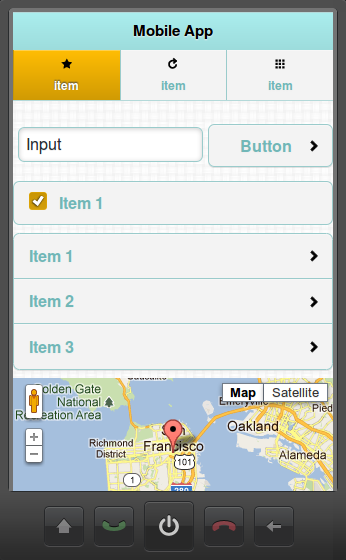
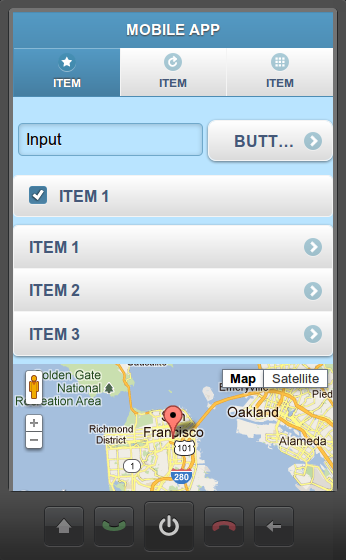
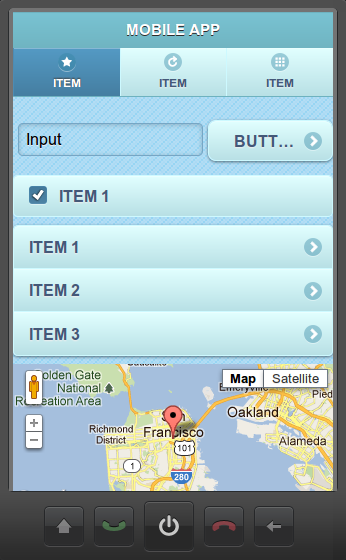
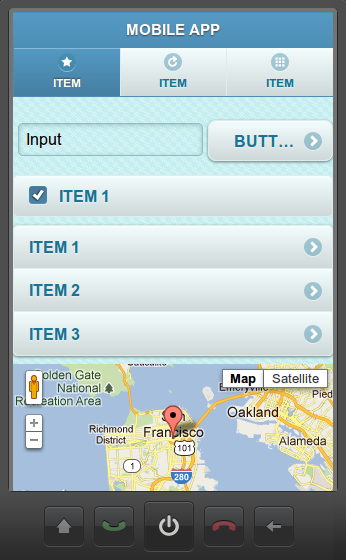
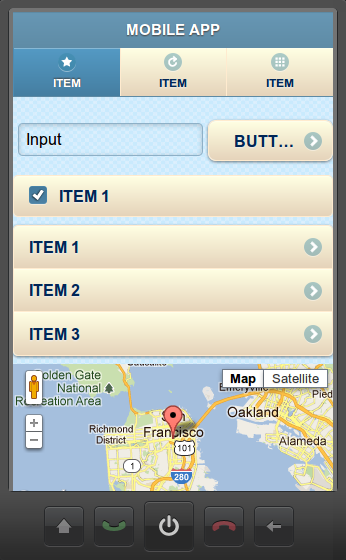
In addition to standard jQuery Mobile themes, we just added a bunch of new and awesome themes and swatches to Appery.io Mobile App Builder.

Appery.io Dark-gray themes

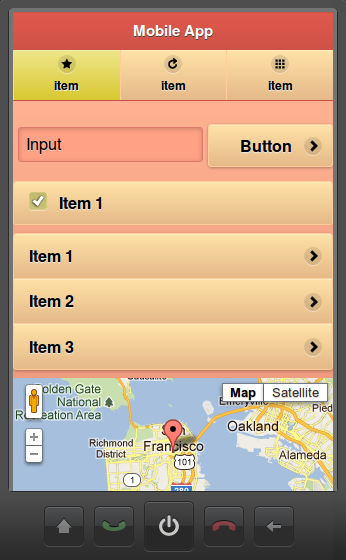
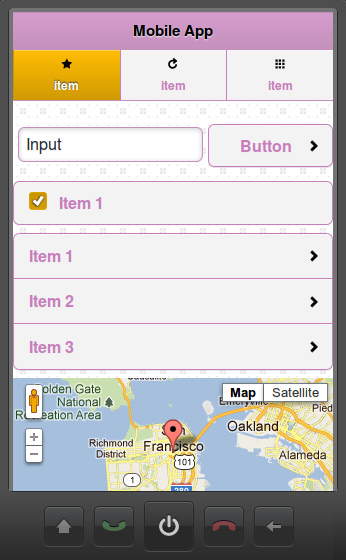
Appery.io Pastel themes

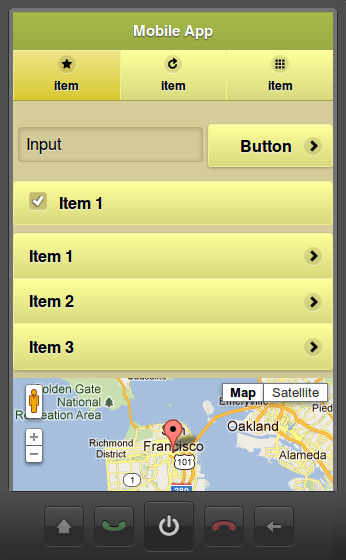
Appery.io Olive themes

Appery.io Cappuccino themes

Appery.io Rainbow-plain themes

Appery.io Winter themes

You can set the swatch name from screen properties:

or click More themes link to change the theme:

Webinar: Appery.io Plugins – The Pre-packaged Approach to Consuming REST APIs in jQuery Mobile App

Appery.io Mobile App Builder stands out in how easy it is to in­cor­po­rate REST ser­vices with public APIs into mo­bile apps. Appery.io now makes it even easier by prepack­aging the steps you would go through to con­nect an app to a ser­vice as plug-​​ins. Along with this new plug-​​in fea­ture for easy code re-​​use, get a peek at our new Service Catalog we’ll be growing with pre-​​packaged ver­sions of pop­ular and useful APIs. Also, see the re-​​designed Visual Data Mapper.

Join our in­ter­ac­tive we­binar to learn all about these ex­citing fea­tures. We’ll be building an app in min­utes, and at­ten­dees will be able to try the app on their de­vices as it’s being built.

Appery.io Plug-​​ins: The Pre-​​packaged Approach to Consuming APIs
Wednesday, March 28, 2012
11am US Pacific Time
Register: https://www1.gotomeeting.com/register/949571032

See our last we­binar on YouTube!

REST Service: Cross-domain Security, JSON, JSONP, and CORS

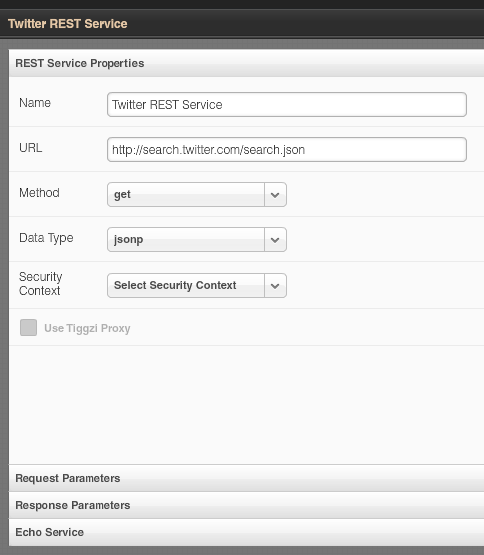
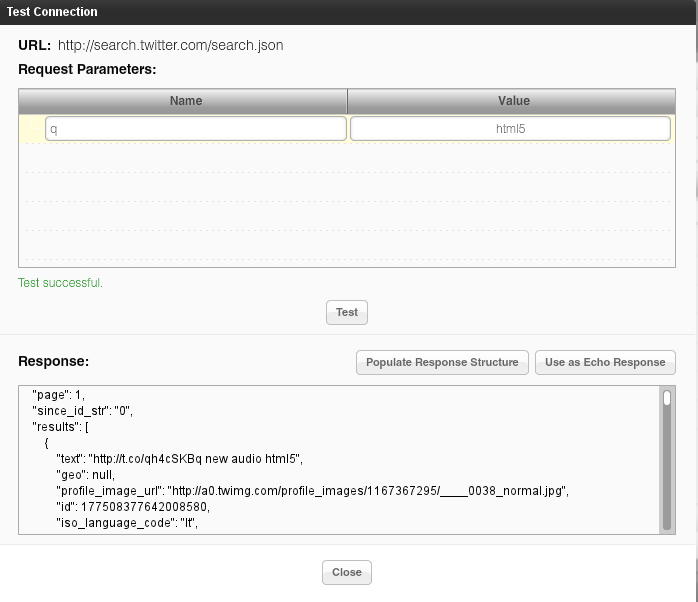
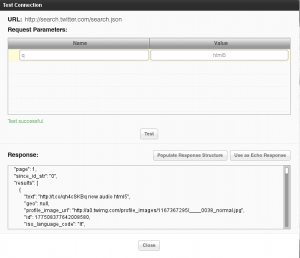
Appery.io, the cloud-based HTML5, jQuery Mobile and PhoneGap mobile app builder come with a very powerful and easy way to define and consume REST services in a mobile app. Inside the builder, you get what amounts to a very easy to use REST services console where any service can be defined, tested, and have its response parameters automatically defined.
Being able to run and test the service from inside the builder is very important as it demonstrates that the service works and data is returned. The next step is usually to make the service available on the page, define UI-service data binding, and then set the service to be invoked on some event. But, when testing the app in a browser, the services sometimes doesn’t work or no data is returned. This creates confusion as the service worked when testing it inside the builder but doesn’t work when invoking from a browser page. The reason this happens is because of the cross-domain security built into browsers.
All browsers have this built into them. Basically, to invoke a service via JavaScript (AJAX) from a domain like mydomain.com, the page from which the service is invoked has to be hosted on that same domain, mydomain.com. When testing an app built in Appery.io, the page is running on appery.io but the service being invoked is on a different domain like, for instance, search.twitter.com. The browser won’t allow this. This is by design to ensure that no bad or malicious JavaScript code can be used to invoke the service.

What can we do? There are a number of options to make this work.

Hosting the page on the same domain

The most obvious option is to host the page and the service on the same domain. The solution is simple but not very practical today. With the new shift to a client-cloud architecture, many services used in mobile apps today are cloud-based, and are hosted via different API providers and thus are on different domains. Hosting the page and the service on the same domain might work well if services were deployed completely within the same organization.

JSONP (JSON with Padding)

JSONP is the unofficial way many provides solve the cross-domain problem. Instead of making a regular AJAX request which is subject to cross-domain security, the request is made via loading a JavaScript file with a special callback function defined. As loading a JavaScript file is not an AJAX call, it doesn’t fall under the cross-domain security problem. The callback function is then invoked to process the data returned (which is JSON). The URL looks like this:

http://someurl?callback=getthedata

getthedata would be invoked to process the response.

With JSONP, a service can be invoked from a page hosted on different domain. For example, Twitter’s API supports JSONP and thus can be invoked from appery.io hosted pages. However, it’s up to the service to support JSONP and not all services support this feature.

Cross-origin resource sharing (CORS)

While JSONP could be considered a hack or a workaround, CORS is an attempt to create a standard way to solve the cross-domain issue. When a service request is made, the server will include a header parameter in the response indicating that the domain from which the call was made – is allowed to invoke this service. However, it’s up to the service providers to add such support. For example, the Parse mobile back-end service supports this feature and makes it very easy to use their services.

Appery.io proxy

If none of the above options are available, Appery.io Mobile App Builder provides a proxy service that works for testing and apps that are hosted on appery.io. When using the proxy, the request is first sent to the proxy server and then, from the server, the request is made to the service. Because the request is sent from the server and not from the page, cross-domain security is not triggered.

Google Chrome with security disabled

Finally, one more option exists, but it’s only useful in development or testing. You can start Google Chrome with security disabled in which case the cross-domain issue is no longer a problem. To start Chrome with security disabled start it with this command line:
chrome –disable-web-security

Mobile Web app vs. mobile app

Everything I just described applies to mobile Web apps – pure Web apps running in the browser. When you develop a PhoneGap app (hybrid app) cross-domain security is not an issue, even though the app is actually running in a browser (albeit a chromeless one).

Next time you are trying a REST service, this should help you understand that’s really happening.

Originally published on Maxa blog.