Review: Appery.io in the field of prototyping
Appery.io in the field of prototyping (English version).
Original Russian version.

Appery.io in the field of prototyping (English version).
Original Russian version.
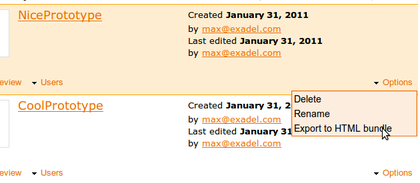
Although you can preview a Appery.io prototype in a browser and share the link, sometimes you might want to get the entire project – all the pages, JavaScript and CSS and run it locally on your machine or send it to someone. All you need to do is export the prototype as HTML bundle and you will get all the pages, JavaScript and CSS.
When in Projects page, select Options/Export as HTML bundle. You will be prompted to save a zip file containing your complete prototype.
We are happy to release Appery.io version 1.2.5 today. We worked very hard improving Appery.io behind the scenes. We made Appery.io run faster, more stable, load projects faster and fixed a number of UI quicks. Give Appery.io a try and as always, we would love to hear your feedback: http://getsatisfaction.com/apperyio. Don’t forget to follow us on Twitter: @apperyio.
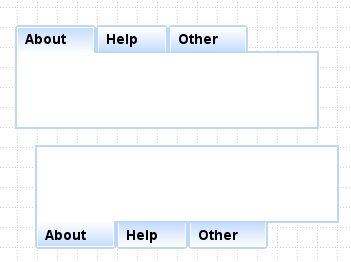
Customize the tab panel with tabs on top or bottom:
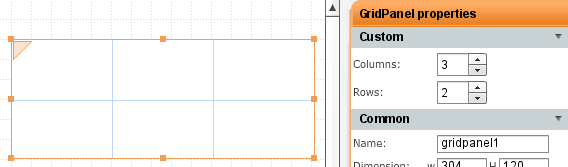
Using table or grid layout? Quickly edit the number of rows/columns in properties:
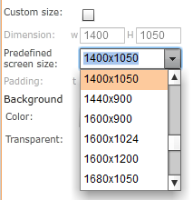
You can set screen size for web or mobile to one of the predefined values or enter it manually (when custom size is checked):
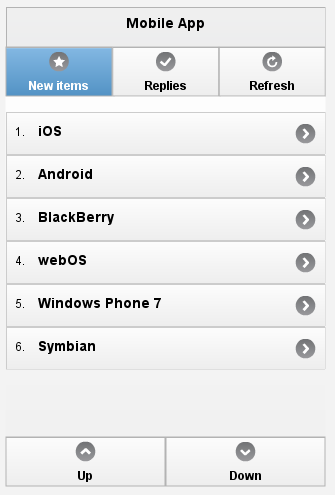
In mobile, navigation bar can now be placed in header or footer of the application as jQuery Mobile requires:
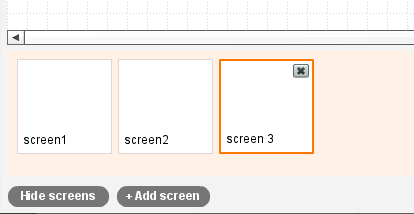
Appery.io makes it very simple to work with multiple screens:
JavaLobby Q&A with James Sugrue: Prototyping Your Applications Using Appery.io
When you drag and drop a button control for example, the default button look is squared:
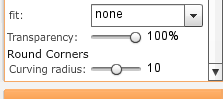
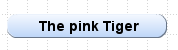
That could be fine but I’m sure some of you would like to use rounded buttons and inputs. Well, that’s very easy to do in Appery.io. Select the button, scroll down in properties window and you will see Round Corners option. Using the slider, set the curve radius:
and you will get this:
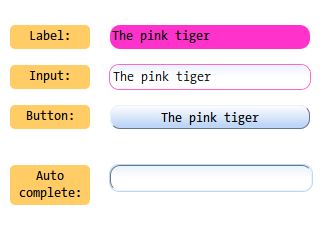
Here is another example. Click the screen shot to see an actual preview of this page in a browser.
As a business analyst I am making prototypes for the a new project in Appery.io. Like many other projects, this one has a public and admin parts. I created a prototype for the public portion of the application, implying that this functionality would be available for all logged in users, however the customer corrected me and noted that it would be available for admin users only. I have two Appery.io projects: admin part and public part of the site so I tried to just copy from “public” part and paste to admin part with no luck! I got puzzled and wondered how I could do that. Here is the solution I would like to share.
The solution is quite simple.
1. Open the project where you have the screen that you want to move to another project.
2. Navigate to Project>Clipboard Import/Export menu to open the Local Import/Export dialog. In the dialog click Export.
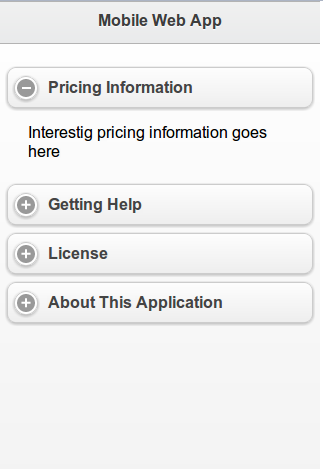
Last week we pushed Appery.io version 1.2.4. Besides bug fixing, we added a new mobile control: Collapsible Block. You can place any other controls inside and the block is collapsible in design as well as in Web Preview. See how it actually looks in a browser (try to expand/collapse the block).