As more companies jump on the digital transformation bandwagon, the shortage of skilled IT personnel — namely, mobile, web, and cloud developers — is increasingly critical.
One way to solve this problem is to use low-code and no-code application development tools.
The former require at least basic training; the latter are well-suited for business users without prior coding experience.
We studied best app builder ratings compiled by software review websites like G2, analyzed the information provided by vendors, and researched real-world apps created using low-code and no-code platforms.
In this article, we’ll examine how popular low-code and no-code app development platforms stack up against each other and choose the best mobile app builder in each category.
In Search of the Best App Builder: Contenders
Appery.io
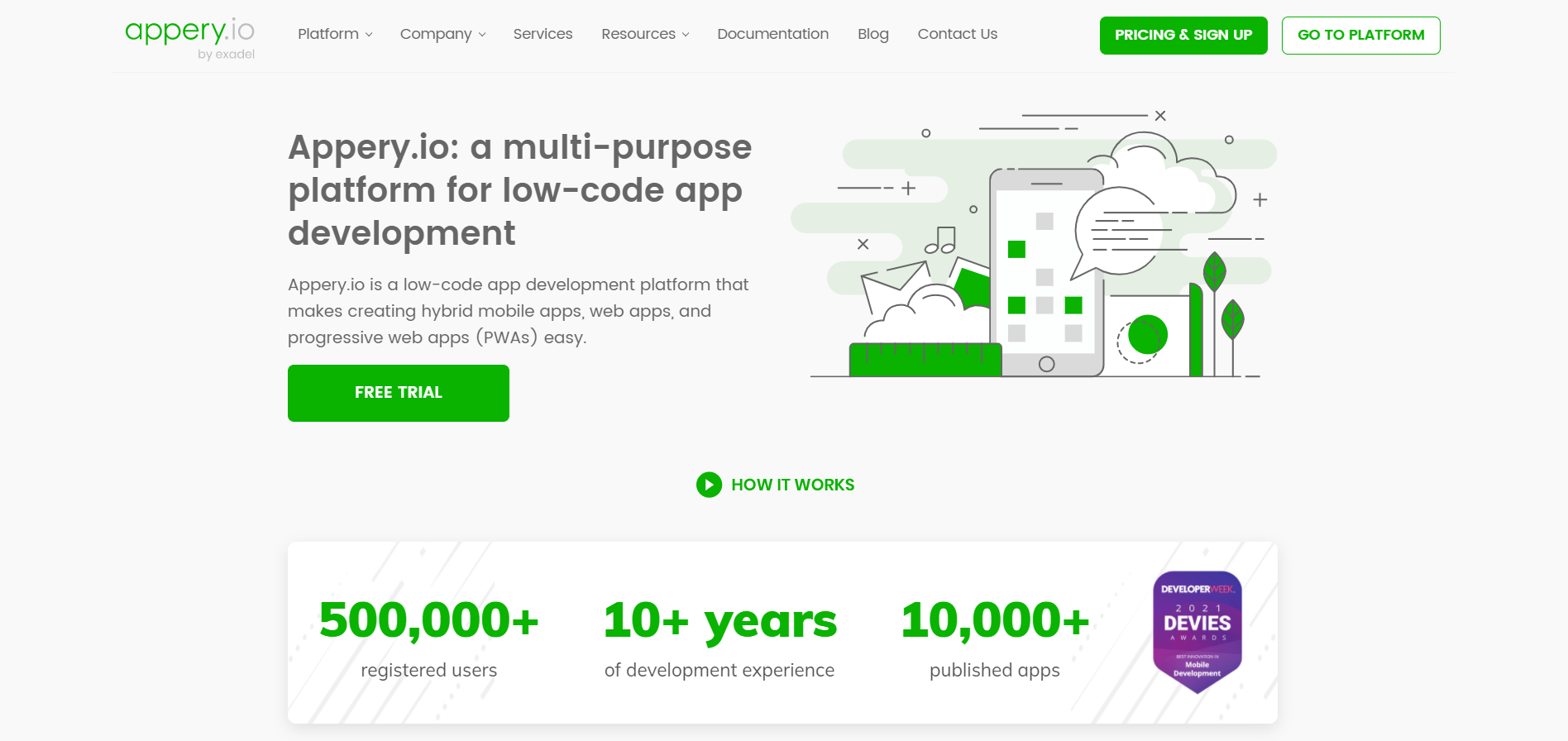
Unlike many of its counterparts, this low-code app builder serves the needs of both business users and professional software engineers looking to build mobile, web, or progressive web apps (PWA) faster.
What Makes Appery.io One of the Best App Builders on the Market?
- Apps built with Appery.io run smoothly on all types of devices and operating systems
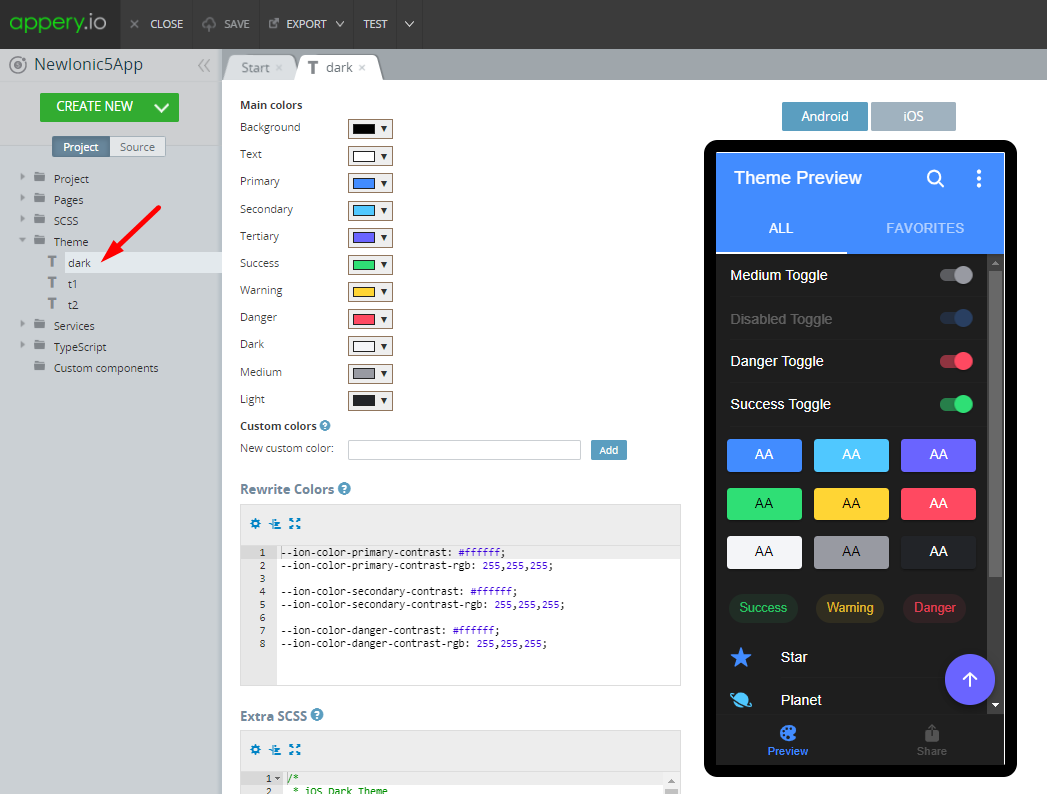
- The platform offers a drag-and-drop UI builder and a cloud-based back end to support applications’ business logic
- One of its killer features is API Express — a robust mobile application integration tool that syncs your apps with any back-office system or third-party software
- Appery.io offers a rich selection of extensions and plug-ins
What Types of Apps Can You Build with Appery.io?
Appery.io users can build a huge variety of apps, including (but not limited to):
- Mobile commerce solutions, including online catalogs, food delivery applications, Uber-like apps, and mobile-based customer loyalty and referral programs
- Event management applications
- Apps supporting business operations: appointment scheduling, inventory management, document scanning, etc.
- mHealth and wellness applications
Thanks to robust out-of-the-box functionality and customization options, Appery.io is totally suitable for creating applications with elaborate logic, custom requirements, and a large user base and can fully support digital transformation initiatives.
Appery.io: Pros and Cons
| Pros |
Cons |
| With Appery.io, you can build business-grade, high-performance apps in one-third of the time it would take you for native app development. |
To start building your first app, you need at least a basic understanding of the Ionic framework. |
| The team behind Appery.io provides extensive documentation and runs a channel on YouTube, where you can find all sorts of guides and tutorials to build an app yourself. |
Compared to most no-code app builders, Appery.io is a high-end solution and can therefore be a little more expensive than its rivals. |
Appery.io Pricing
This low-code app builder is available with four plans that can be customized:
- Beginners: $25/month
- Pro: $70/month
- Team: $135/month
- Ultimate: $500/month
AppSheet
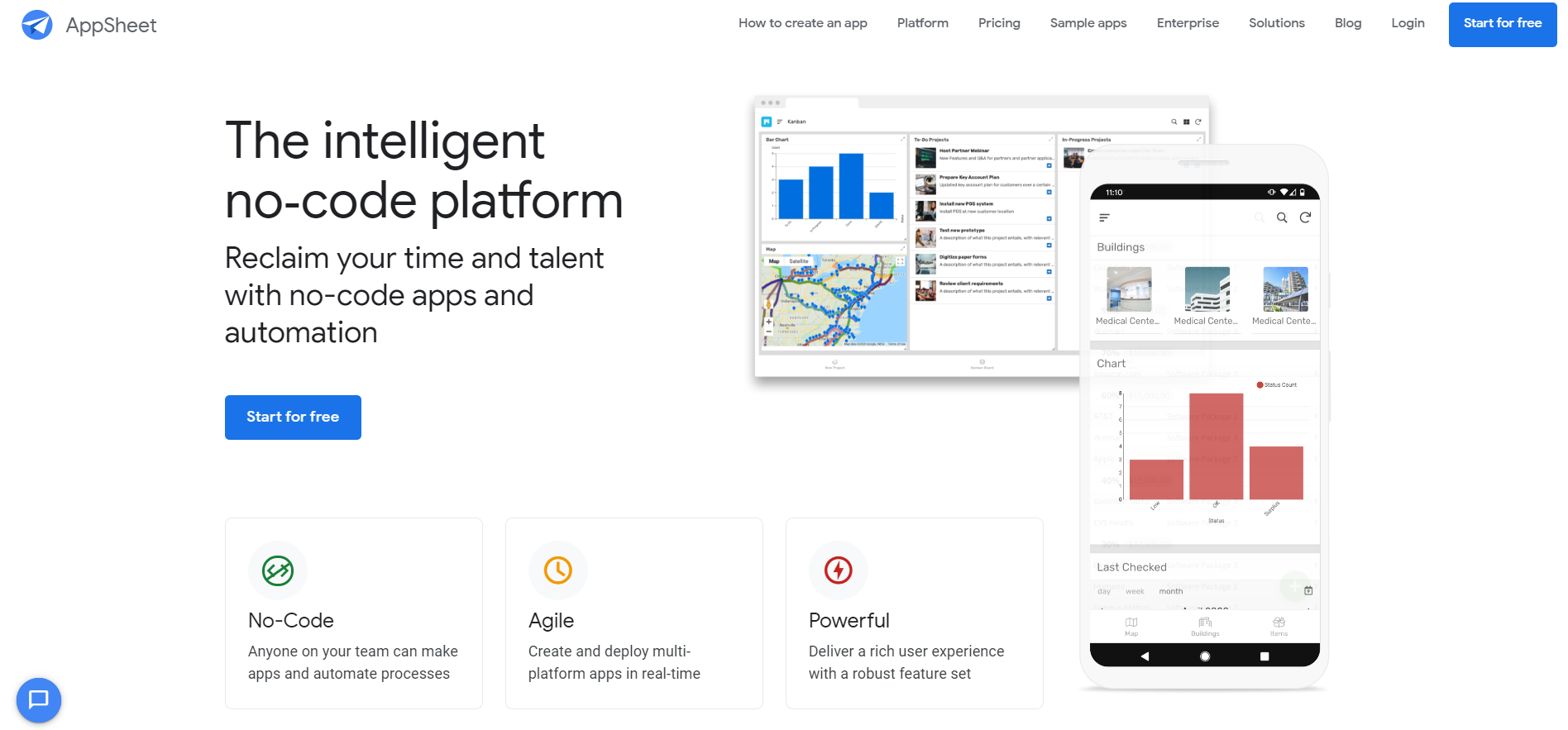
AppSheet is a no-code application builder that enables users to create mobile and desktop applications from data stored in cloud databases like DropBox and Google Drive. To get started with AppSheet, you need to prepare your data (there’s a template for that), upload it to AppSheet, and choose what kind of app you want to develop. The supported categories include task management, customer engagement, and education.
Why AppSheet Made Our Top Mobile App Builder List
- The app development platform helps users solve technical challenges — including managing the technical details of an app and defining how the data will be used — in an intuitive, codeless way
- The app builder incorporates machine learning modules that categorize application content, recognize characters in images and uneditable text files, and predict trends based on historical data
- AppSheet is a turnkey app builder that supports users throughout their application development journey — from fleshing out your application idea to publishing apps on the App Store and Google Play
Types of Applications You Can Create with AppSheet
- Task management and productivity applications
- Hotel applications with features like room occupancy tracking, payment processing, and visitor check-ins
- mCommerce and delivery tracking apps enabling real-time parcel tracking and inventory analytics
AppSheet: Pros and Cons
| Pros |
Cons |
| When it comes to usability and out-of-the-box functionality, no app builder can compare to AppSheet. |
Unlike most no-code app builders, AppSheet requires some time to master. |
| AppSheet offers a free trial; in fact, you don’t need to pay for the service until you’re ready to publish your application. Some of the AppSheet features, however, are only available to businesses and enterprises. |
Based on customer reviews, we assume there is no easy way to connect AppSheet apps with online payment gateways. |
AppSheet Pricing
AppSheet offers four pricing plans:
- Premium: free to start, $5 per user (paid monthly)
- Pro: free to start, $10 per user (paid monthly)
- Business: pricing info available at request
- Enterprise: pricing info available at request
Zoho Creator
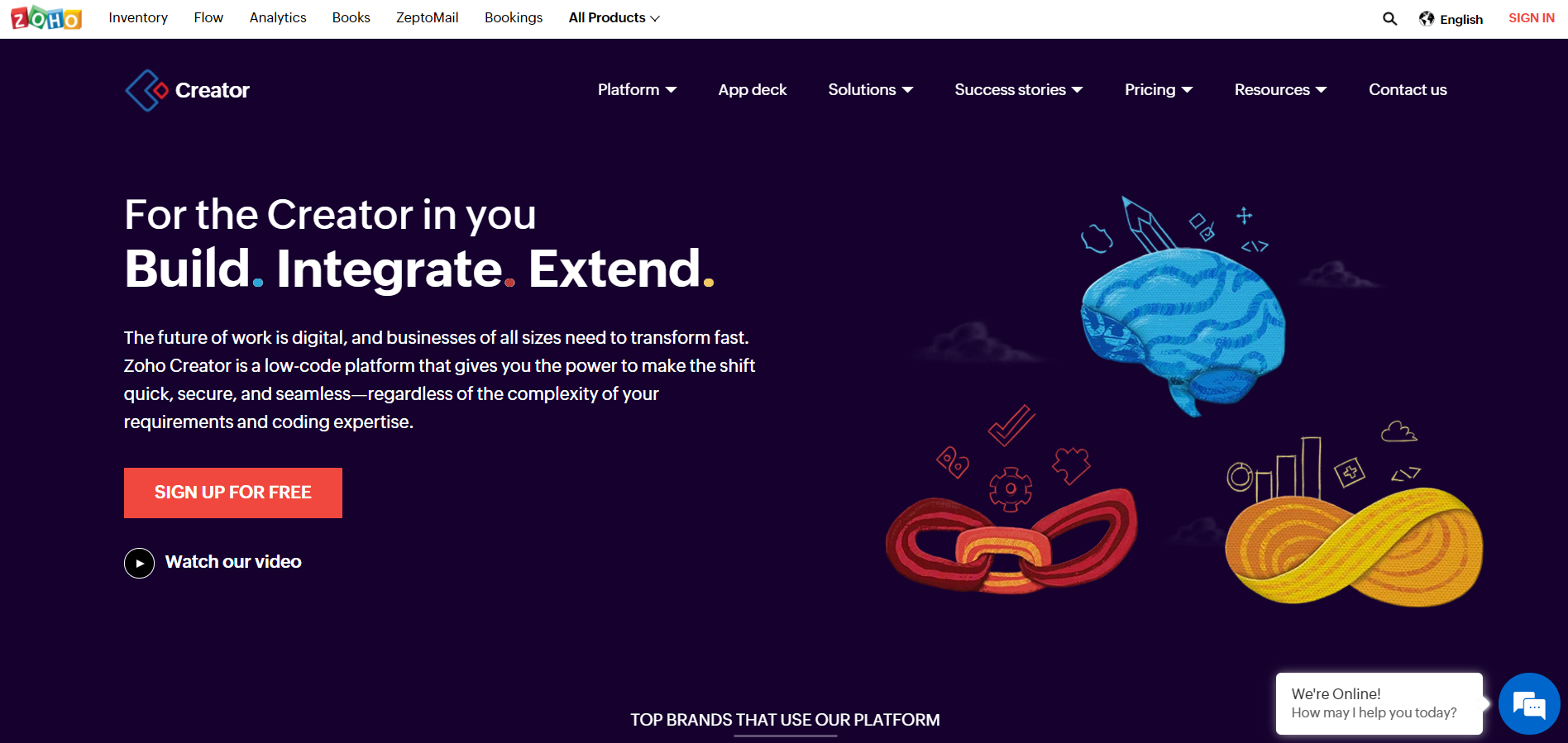
Zoho Creator is a low-code app development platform whose primary audience is small and medium-sized businesses looking to digitalize and automate workflows. The solution enables companies to create cross-platform mobile, progressive web, and traditional web applications and sync them with other IT systems and services, including Zoho CRM, PayPal, and G-Suite.
5 Reasons We Included Zoho Creator in Our Best Mobile App Builder List
- Much like AppSheet, Zoho Creator pulls the technical part out of the application development process; all you need to do is prepare your database and put it to work
- The low-code platform incorporates a handy API to sync your business apps with other software and services
- Zoho Creator is a cloud-based app builder and can be accessed anytime, anywhere — even from your smartphone
- There’s a convenient drag-and-drop UI builder that allows you to create tables and forms faster
- Your business data will be stored on secure Zoho servers, which are protected and monitored round the clock
Types of Applications You Can Build with Zoho Creator
- Event management applications
- Property management apps, including solutions for real estate agents and developers
- End-to-end logistics and supply chain management applications
- Sales management apps integrated with Zoho CRM
Zoho Creator: Pros and Cons
| Pros |
Cons |
| You literally need no coding skills to build an app with Zoho Creator. |
Some users claim third-party integrations can be a little tricky, citing complex website navigation and the lack of educational resources about the platform as barriers to realizing the platform’s full potential. |
| The platform offers a plethora of customization options, thus enabling companies to create a software (mobile apps, web apps, and PWAs) that suit their specific business needs. |
If you want to remove Zoho’s branding or publish your applications on major app stores, be prepared to pay an extra fee. |
Zoho Creator Pricing
Zoho offers several plans for individual users and organizations:
- Basic: €10 per user, paid monthly or annually
- Premium: €20 per user, paid monthly or annually
- Ultimate: €35 per user, billed monthly or annually
- Plus Edition: this plan is available to groups of at least ten users and is only billed annually
Additional features and services, including personalized support and customer portal add-on, are available to corporate users at request.
BuildFire
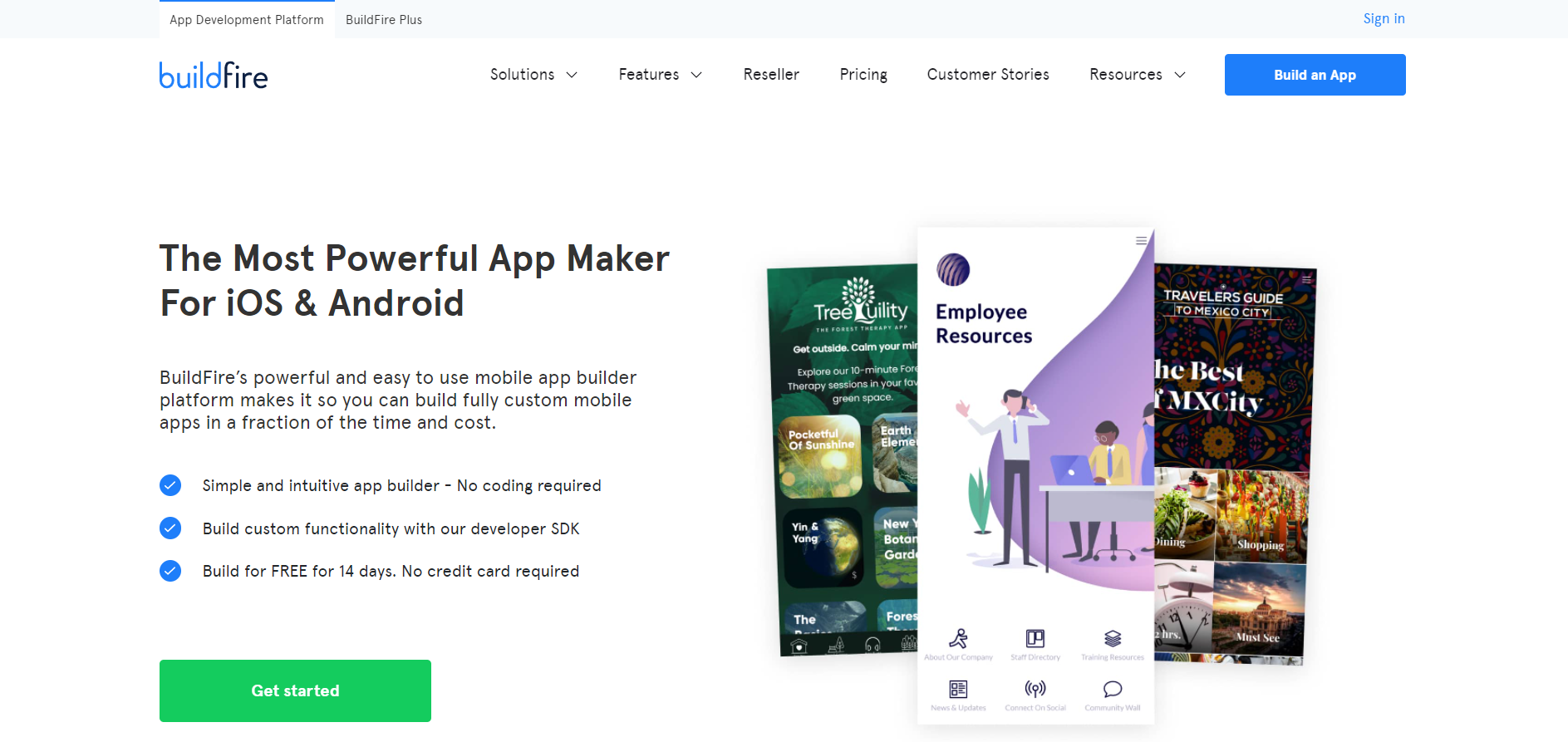
BuildFire is a rapid mobile app development tool targeting non-technical users. The platform strikes a middle ground between enterprise-grade platforms like Zoho Creator and low-code app builders like Appery.io, which gets a little too technical at times. While many BuildFire features and modules are available out of the box, you can still create custom functionality using the developer SDK.
Why We Included BuildFire in Our Best Mobile App Builder Review
- The app builder features an intuitive drag-and-drop UI design tool, which allows you to preview all the changes you make in real time
- The BuildFire SDK enables you to create any custom functionality and integrate your mobile application with internal and external IT systems and hardware (think iBeacons and IoT devices)
- The BuildFire team provides consultation services to companies looking to make the most of their no-code app builder
- With BuildFire, you can create platform-agnostic mobile applications that even work in offline mode (although some of your app’s plug-ins might still require connectivity to operate)
Types of Apps You Can Create with BuildFire
- Workflow automation applications: employee communication and collaboration tools, field service applications, HR management apps
- mCommerce apps synced with your Shopify store
- Mobile applications for content creators (including bloggers, podcast pros, and online tutors)
- Event management apps with robust user engagement features
BuildFire: Pros and Cons
| Pros |
Cons |
| The platform combines an advanced mobile back end as a service (MBaaS) and back-end logic customization options with a convenient click-and-edit interface. |
Some reviews indicate that the customer support team can be unresponsive at times, which can be an issue if your application is meant to help your employees perform business-critical operations or handle a large user base. |
| The BuildFire marketplace features a wide selection of free and paid plug-and-play extensions to enhance your application’s functionality without extensive coding. |
Certain BuildFire users believe the vendor can be slow at rolling out new features and essential updates. Others cite possible performance issues as one of the reasons they’ve eventually switched to another app builder. |
BuildFire Pricing
BuildFire offers three plans targeting non-technical users, white label solution providers, and customers looking to have their app built by a team of professional developers.
- If you’re eager to do the (no)coding yourself, you can choose between the Growth, Business, and Enterprise plans, which range from $159 to $424 per month (billed monthly or annually); there is a 14-day free trial
- If your company specializes in white-label mobile app solutions, be prepared to pay $1,500 in monthly fees to use the platform
- Depending on the type and complexity of your application, it will cost you $4,500, $7,500, or $15,000 to hire the BuildFire team and create a highly customized app without lifting a finger
Appy Pie
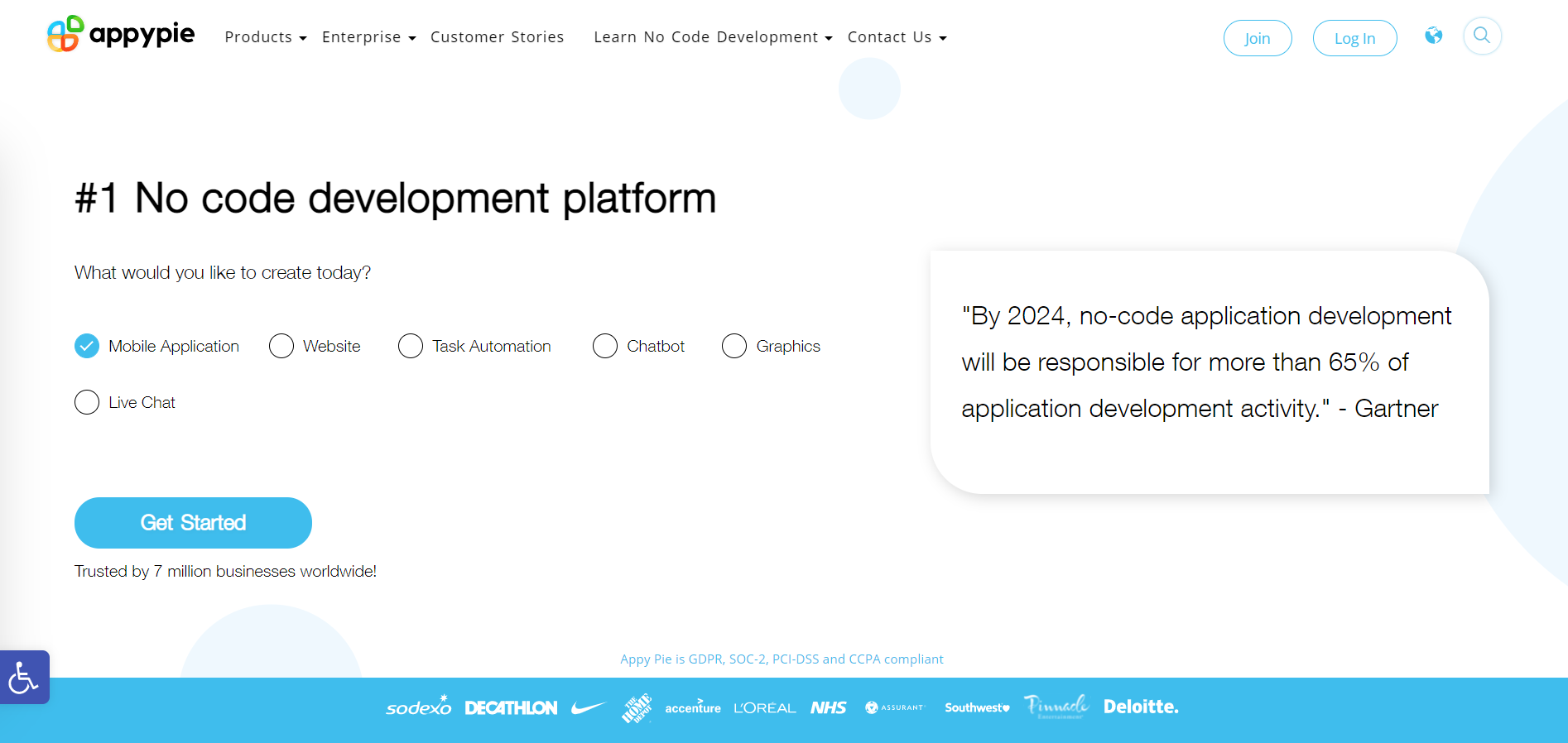
Last but not least, there’s Appy Pie — arguably, the most popular mobile app builder on the market. Like BuildFire and AppSheet, the solution targets non-technical users looking to create a business website or mobile app — or integrate a technology module like a live chat or virtual assistant — into an existing IT solution.
Why Appy Pie is Considered One of the Best Mobile App Builders
- The platform’s functionality stretches far beyond no-code app development; with Appy Pie, you can design marketing collaterals, create keyword-triggered chatbots, or set up a self-service portal
- There is an enterprise-grade version of the platform, which comes with built-in application integration tools and boasts unmatched security
- Appy Pie offers educational courses for professional developers, students, and business users
Types of Apps You Can Develop with AppyPie
- HoReCa applications for small businesses, including hotels, cafés, and restaurant chains
- Event management apps containing essential features like event schedules, facility maps, and information about speakers and participants
- On-demand delivery applications for restaurants, grocery stores, and other businesses eyeing the eCommerce sector
- Workflow automation and employee education tools for businesses, non-profit organizations, and government agencies
Appy Pie Pros and Cons
| Pros |
Cons |
| Appy Pie is a complete ecosystem of no-code app development and design tools that fills every programming and UX/UI need a business might have. |
Many users find the Appy Pie design templates dull and lacking customization options. |
| The app builder allows you to pull all the graphics and text from your website and merge it smoothly into a mobile app, which helps reduce time to market. |
Trying to simultaneously compete with no-code mobile app builders, website builders, and graphic design tools, Appy Pie’s website loses focus at some points, struggling to convince potential customers of their superiority to Wix and AppSheet. |
Appy Pie Pricing
Like other app builders in the competitive market, Appy Pie is living off subscriptions. It is by far the most affordable app development platform:
- The Basic plan, which only allows you to create Android apps, costs $18 per month
- The Gold plan unlocks some premium features, like augmented reality support and mCommerce functionality, but still prevents you from building iOS applications
- The Premium plan offers multi-platform functionality and allows you to contact the Appy Pie support team via live chat, email, or phone
No matter which plan you opt for, you’ll still need to purchase the Add-on Package to remove Appy Pie branding from your application.
And the Best Mobile App Builder Award Goes To…
We really hate to be a tease, but we’d like to elaborate on our choice criteria a bit further before announcing the grand finalists:
- To select the top mobile app builder, we’ve researched multiple no-code and low-code app development platforms and deliberately excluded some of the products from our rating because they failed to meet certain requirements, like supporting cross-platform functionality, offering customization options, and providing a solid choice of plug-ins and extensions. That’s why every app builder in this compilation succeeds in its own class.
- When choosing the best low-code and no-code app builders, we evaluated how well the platforms are suited for developing business-grade applications faster.
Without further ado, let us introduce the winners:
- BuildFire walks away a clear winner in the no-code category — largely thanks to its excellent plug-in library and powerful integration tool. It’s the go-to solution for small and medium-sized companies testing the app development waters.
- Appery.io wins the low-code app development race. Although it might take you some time (and effort!) to get familiar with the platform, you’ll be able to create a fully customized application that meets your unique business needs and performs as expected.
We’d also like to single out Zoho Creator as the best mobile app builder for large enterprises — especially those who make use of Zoho CRM and seek to ensure anytime, anywhere access to corporate data.
Have you already tried any (or all!) of the app builders that made our list? What is your favorite solution for rapid application development? Reach out to the Appery.io team to tell your story and select the best tool for your future projects!