Appery.io Is Now Using jQuery Mobile 1.3

Posted: May 10th, 2013 | Author: | Filed under: New release | Tags: | No Comments »

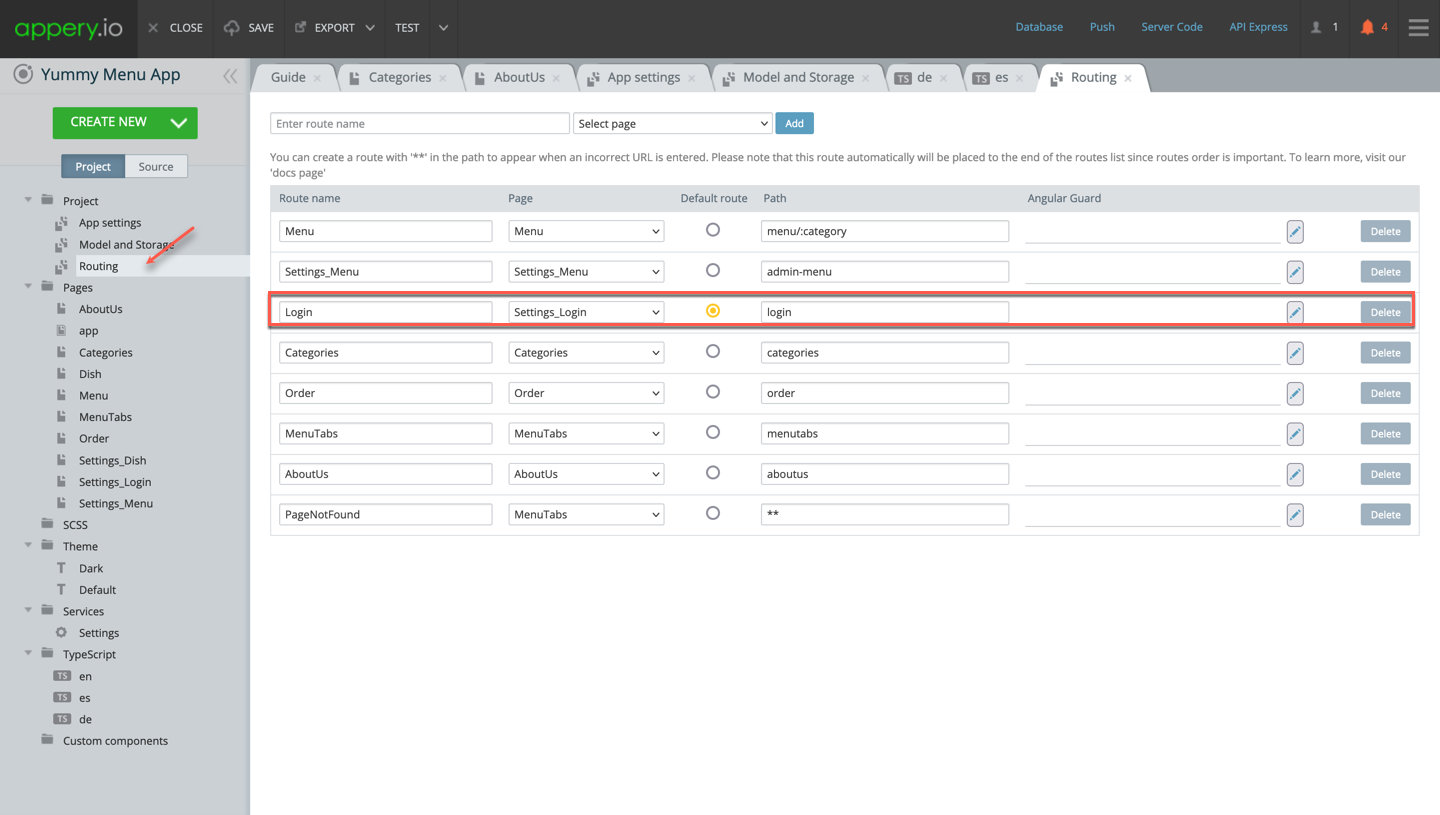
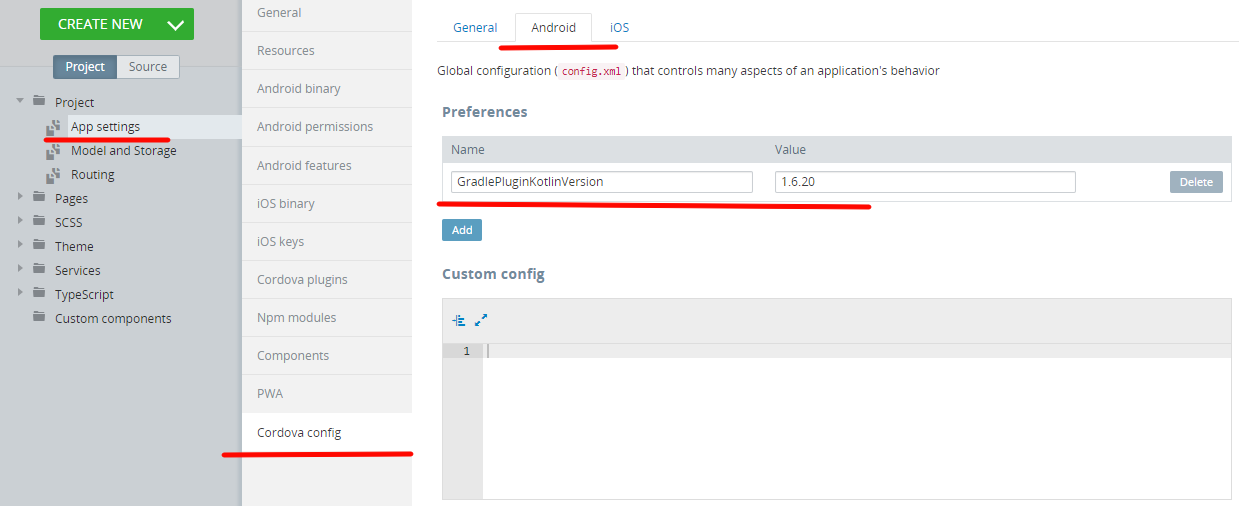
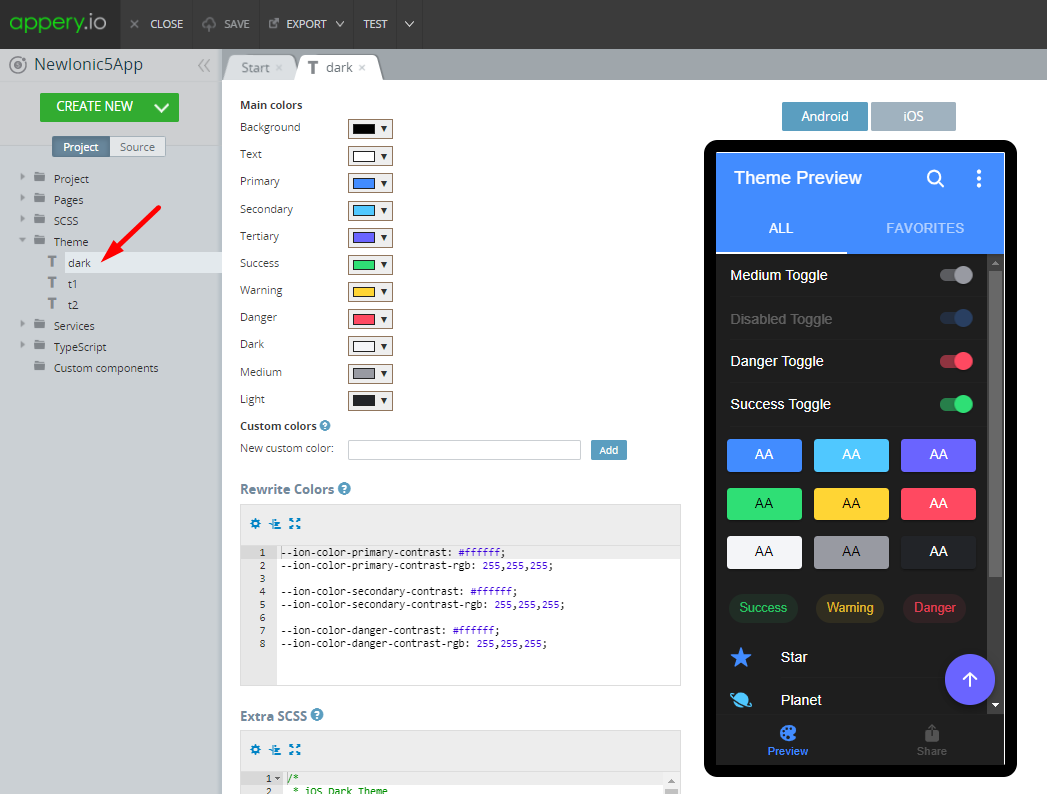
As you probably already know we launched Appery.io in April. One of the new things in this release is that our platform has been upgraded to jQuery Mobile version 1.3.  You can always check the latest version by going to Project > App settings > External resources tab:

Selection_084


New Features: Source View, jQuery Mobile Themes with ThemeRoller, Android Permissions, New Components, and Pointer/Array Data Types in Database

Posted: January 24th, 2013 | Author: | Filed under: Features, New release | Tags: , | 1 Comment »

We just added some really cool features to Appery.io Platform. Check them out!

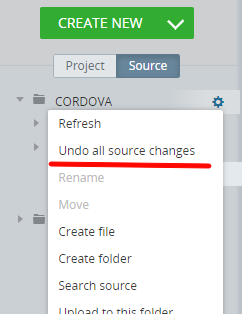
New Source view

As we continue to make Appery.io Platform enterprise-level, just just added a Source view where you can see and open the actual files behind your app. Right now the files are opened as read-only but we are working on allowing you to modify them as well.

source

jQuery Mobile themes

We got all our custom themes back and you can also create new themes using the jQuery Mobile ThemeRoller tool. Simply create your theme in the tool, download and then upload to Appery.io. It’s that simple.

themes

jQuery Mobile ThemeRoller site:

themeroller

Once you create a new theme, select Create New > Theme and upload the theme you created.

Android permissions

You have been asking for this feature and now it’s here. Customize the permissions for your app before building a binary.

permissions

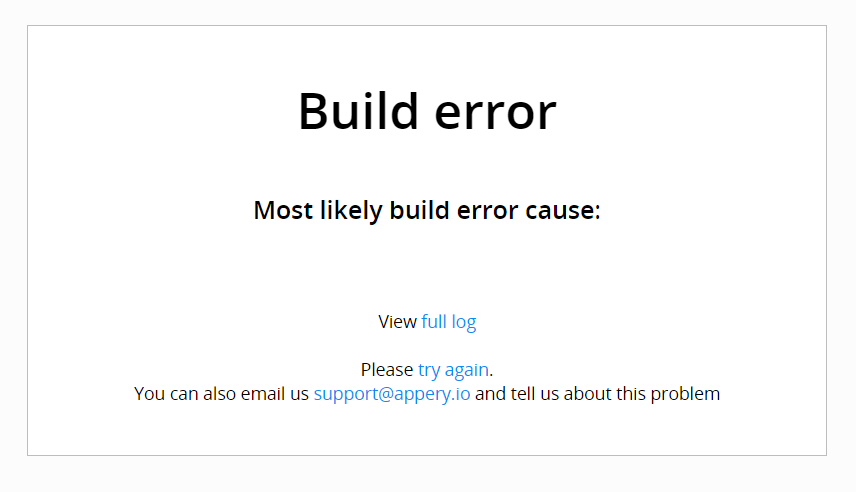
Binary build errors log

You no longer need to email support to find out why the binary build failed. You can now view the error and try to fix it:

buildfailed

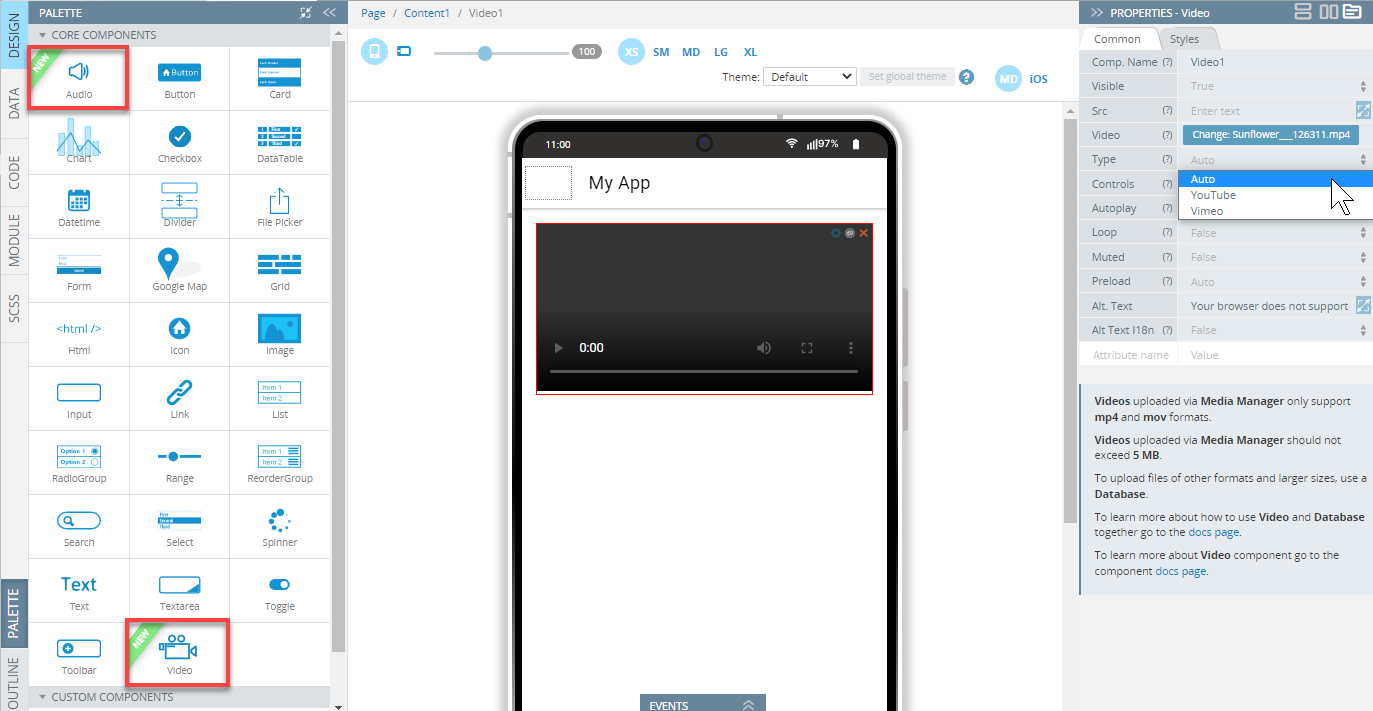
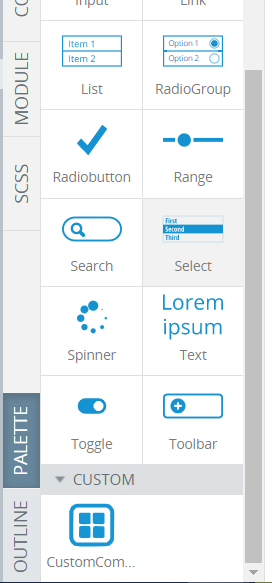
New UI components

We added two new jQuery Mobile components, Grouped Buttons and Collapsible Set:

newcomponents

Pointer and Array types in database

On the Backend Services side, we added two new data types to the database: Array and Pointer:

newdatatype

New tutorials and getting help

Don’t forget to check our new tutorials and as always, if you have any questions let us know via email, forum or @apperyio.


Appery.io Updates its New HTML5 App Builder with Windows 8 Support, plus jQuery Mobile 1.2, PhoneGap 2.2, and Push Notifications

Posted: December 19th, 2012 | Author: | Filed under: API, Database, jQuery Mobile, New release, PhoneGap, Tutorials, Windows Phone | Tags: , , , , , | No Comments »

Windows 8 Support

Windows 8

Appery.io new HTML5 app builder has been the default builder for the past couple of weeks and we continue to update it with new features. One such feature is new Windows 8 support. In addition to jQuery Mobile/PhoneGap apps, you can now build Windows 8 apps with native support such as Snap View, Search Charm, Share Charm, and Live Tile.

To create a new Windows 8 app, click the “More create options” link from the Apps page and then select Windows 8 App as the app type. Try our Windows 8 app tutorial.

jQuery Mobile 1.2

We also upgraded to a much better jQuery Mobile version 1.2.

Selection_773

PhoneGap 2.2

We also upgraded PhoneGap to version 2.2. This means Appery.io cloud build has also been upgraded to PhoneGap 1.2:

Selection_393

If you use Appery.io Mobile App Tester for Android – go and grab an update so it also uses the latest PhoneGap version.

Push Notifications

A long requested feature – Push Notifications feature has been added to Appery.io Backend Services.

Selection_772

Want to try it? Try our new Push tutorial.

New Tutorial: Building a ToDo App with Appery.io Backend Services

Build this app and learn how the app builder is fully integrated with backend services.


HTML5 App Builder is Now the Default Builder

Posted: November 14th, 2012 | Author: | Filed under: New release | Tags: | 6 Comments »

You might have noticed this but since Tuesday, November 13 when you create a new project, it opens in our new HTML5/JavaScript builder.

Our new HTML5/JavaScript builder:

We are just a few weeks from official GA and want to get as much feedback as possible from you.

Any projects created before November 13, will continue to open in the old builder (Flash). You are probably wondering what’s going to happen to your old projects? At some point very soon they will be converted and will start opening in the new builder.

We are also in the process of launching a new docs site at http://docs.appery.io.

Lastly, if you really still want to create a project in the old builder (although we don’t recommend it at this point), click on Create more options link.


Build Windows 8 Apps in the New HTML5 Appery.io App Builder

Posted: October 11th, 2012 | Author: | Filed under: New release, Windows 8 | Tags: , | No Comments »

Yesterday we told you that we launched the first beta of our new Appery.io app builder. The new app builder is designed with HTML5, JavaScript and CSS. In addition to jQuery Mobile support, we have also added Windows 8 support. Now you can build Windows 8 apps for tablets or desktop entirely in the cloud.

When creating a new app, click More create options:

then select Windows 8 project template:

this is how the new builder looks after creating a Windows 8 app (with some components on the screen):

Selection_275


Do keep in mind it’s still a beta so some features might now work yet.


Beta Version of the New HTML5/JavaScript App Builder Is Out

Posted: October 10th, 2012 | Author: | Filed under: New release | Tags: | No Comments »

We just released a beta version of our new app builder that’s implemented entirely with HTML5 and JavaScript.

A few things to keep in mind:

  • Any already existing projects will only open in the current Flash builder.
  • Any new projects, once created in the new builder, will only open in the new builder
  • It is still a beta (early beta) so some features will not work or not yet implemented (from the Flash builder)

Do try the new builder and send us your feedback via email or our forum.

When creating a new app, click More create options:

Check Open in new (beta) app builder option:

and this is thew welcome screen in the new builder:

img31

The new visual designer:

Selection_270


September Release: New Projects and Dashboard Pages, HTML5 App Hosting In All Plans, Backend Services, and PhoneGap 2.0

Posted: September 26th, 2012 | Author: | Filed under: New release | Tags: | 1 Comment »

We got some prety cool features and updates this week.

New Projects and Dashboard Pages

We got new Projects and Dashboard (old My Account) pages.

With the new Projects page, you got the list of projects and project details in one page. Project details are separated into different tabs — for easier navigation.

The new Dashboard page is informational dashboard into everything happening in Appery.io, your plan information, and more:

HTML5 app hosting in all plans, plus Standard plan gets unlimited pages

HTML5 app hosting is now included in every plan. Yes, even in the Free plan. Plus, the Standard plan now has unlimited pages (up from 10).

Appery.io Backend Services

Appery.io Backend Services are out of beta. You can check out the features and pricing. We got a pretty nice Free plan so definitely check it out. As for new features, we are working on Push and Server-side code.

Last month we released app builder-database integration. You can view the video how fast it is to add a database to your app:

PhoneGap 2.0

We also upgraded to PhoneGap 2.0. All projects, old and new now get the new PhoneGap version 2.0.

Coming soon: new HTML5/JS builder beta

We have been working for the past couple of months on a really awesome new HTML5/JS builder. We are getting ready to launch the beta so you will be able to try it.

As always, we want to hear what you think: support@appery.io, forum, Twitter, Facebook.


Some Cool Changes Are Coming Tomorrow

Posted: September 24th, 2012 | Author: | Filed under: New release | Tags: | No Comments »

We got some really cool changes in tomorrow’s release. Here is a quick heads up of what’s coming up.

New look for Projects and Dashboard pages

Here is a screen shot of the new Projects page. With the new tab design, it will be much simpler to work with a project and navigate the projects list:

Changes to pricing

We are making some (good) changes to pricing.

  • The Free plan now includes HTML5 app hosting.
  • The Standard plan now has unlimited number of pages (from 10 per app) and also includes HTML5 app hosting.
  • The Pro plan now comes with 50 apps.

Appery.io Backend Services

Appery.io backend services are coming out of beta with pretty nice Free plan and the following pricing:

We are working on adding Push and Server-side code features!


August Release: Database Integration, File API, Project Backup, and Simplified Project Creation

Posted: August 21st, 2012 | Author: | Filed under: API, Database, Features, Mobile Backend, New release | Tags: , , , | 6 Comments »

We just released some really awesome features in Appery.io!

App Builder Database Integration

In early July we launched Appery.io Database where you can store app data. Now we have launched database integration in our app builder. This means you can point to a specific database, select the collection(s) you want to use and automatically generate all the REST services.  To create a services from database, select Create New > Database Services:

Next select the database:

Once the database is selected, you can select the services for which you want to generate REST services.

The first section creates REST services for User management.

The second section lists all the collections you have in current database. You can then select which actions (Create, Delete, etc) you would like to create for a particular collection:

When you click Import selected services button, the following REST services will be generated:

For example opening the service for creating a new message looks like this:

The request and response parameters are also generated.  Here is a screen shot of request parameters to create a new messsage:

Isn’t this awesome?

File API

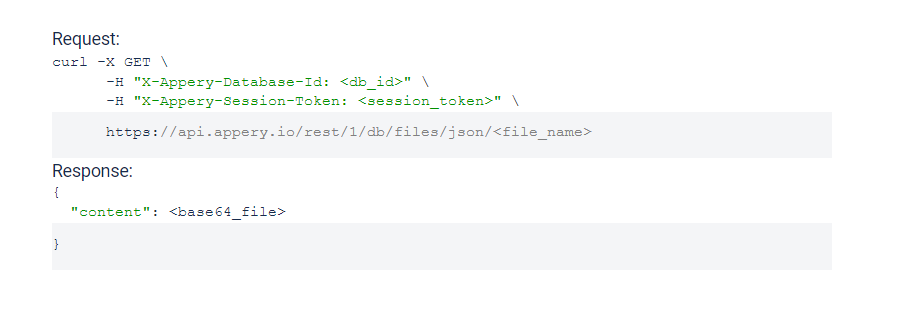
We continue to add new features to Appery.io Backend Services by adding File API. You can now easily store files in the database. When you open any database, you will see a new Files tab:

Read more about the File API.

Project Export/Import

Our users have been asking for this feature for a long time and it’s now available. You can export and then import a project. To export a project, go to app options page (Export Backup):

To import an app from backup, click From Backup when creating a new app (you get to this screen by clicking More Options link, see next section):

Even easier way to create a new app

Last, but not least, it is now even easier to create a new app. Right from Apps page, enter a new app name and click Create. That’s it.


July Release: Better Way to Test Your App, jQuery Mobile Multi-page Template, Queries In Database Console, PhoneGap Upgrade

Posted: July 24th, 2012 | Author: | Filed under: Database, Features, jQuery Mobile, New release, PhoneGap | Tags: , , , , | No Comments »

We got some really cool stuff out this week. Check it out.

Better way to test your app

When you open the app builder you should see a new and very nice phone frame:

The old one was more Android-like. The new one is neither Android, iPhone or Windows Phone. Just a nice phone frame.

There is an upgraded test page:

You can use the new tool bar at the top to change the phone orientation as well as change the size:

That’s not all. We also now have an option to test the app without the mobile frame. In the Test pop-up, uncheck Show in mobile frame:

When you open the app, it won’t use the frame:

The frame looks nice in the browser, but technically speaking testing without the frame is better — as you are testing the actual app (just the app code, no frame). Of course when you run the app on your device, the frame is not there as well.

jQuery Mobile Multi-page Template

jQuery Mobile supports multi-page templates where two or more pages are placed inside the same file. You can now turn on this features in Appery.io app builder (it’s turn off by default). Go to Project > Project Profile:

Queries In Database Console

Appery.io Database comes with Queries support (docs) and now you can try the queries right from the collection console:

Showing products that cost more than $30 (or any other currency):

PhoneGap Upgrade

We upgraded to PhoneGap version 1.8.1. Every new and existing app will now use this new version of PhoneGap.

Android 4.0.x

We also added build support for Android 4.0.x

As always, we want to get your feedback. You can always email us (support@appery.io) or post on our forum.